SyntX tools

Spike Dash Pro & SpikeX

The automated robot and the manual indicator we build for Weltrade SyntX accounts on MT5. Both are free to members who open an account under partner code CX41062 and verify their Client ID once.

Launching 8 September 2026, 00:00 SAST

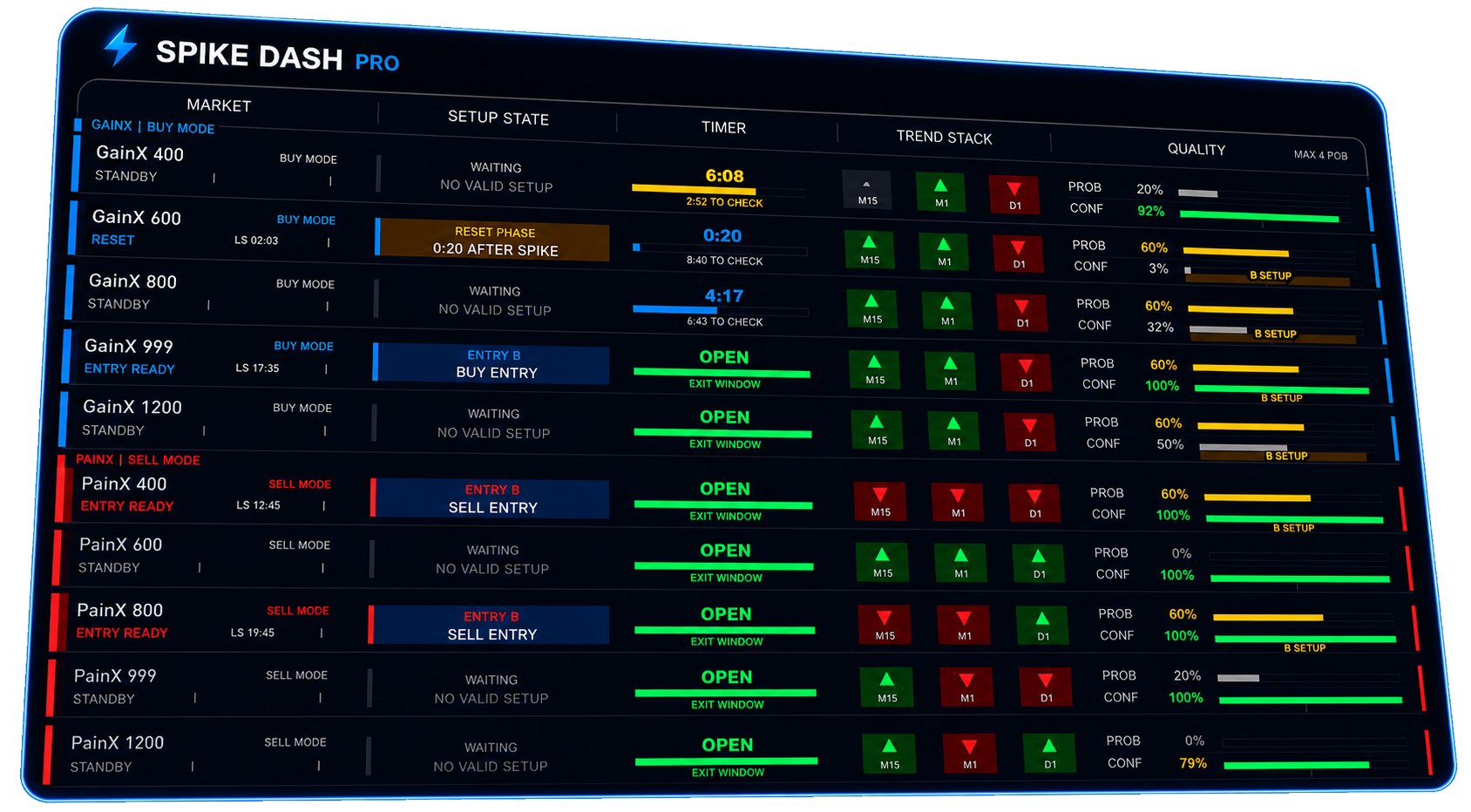
Spike Dash Pro MT5 dashboard showing GainX and PainX market rows with setup state, timers and trend stack

MT5 Expert Advisor

Spike Dash Pro

One dashboard for every SyntX market. Spike Dash Pro watches GainX and PainX side by side, shows the setup state and countdown for each, and takes the trade when your conditions line up.

  • Multi-market dashboard. Every GainX and PainX symbol in a single panel — state, trend stack and time to next window at a glance.
  • Spike window timing. Countdown timers per market so you are never guessing when the next spike window opens.
  • Automated execution. Runs the entry, stop and exit for you, with tested set files for each account size.
Platform
MetaTrader 5
Markets
Weltrade SyntX (GainX / PainX)
Account type
SyntX
Included
EA file + set files + setup guide
Price for members
Free
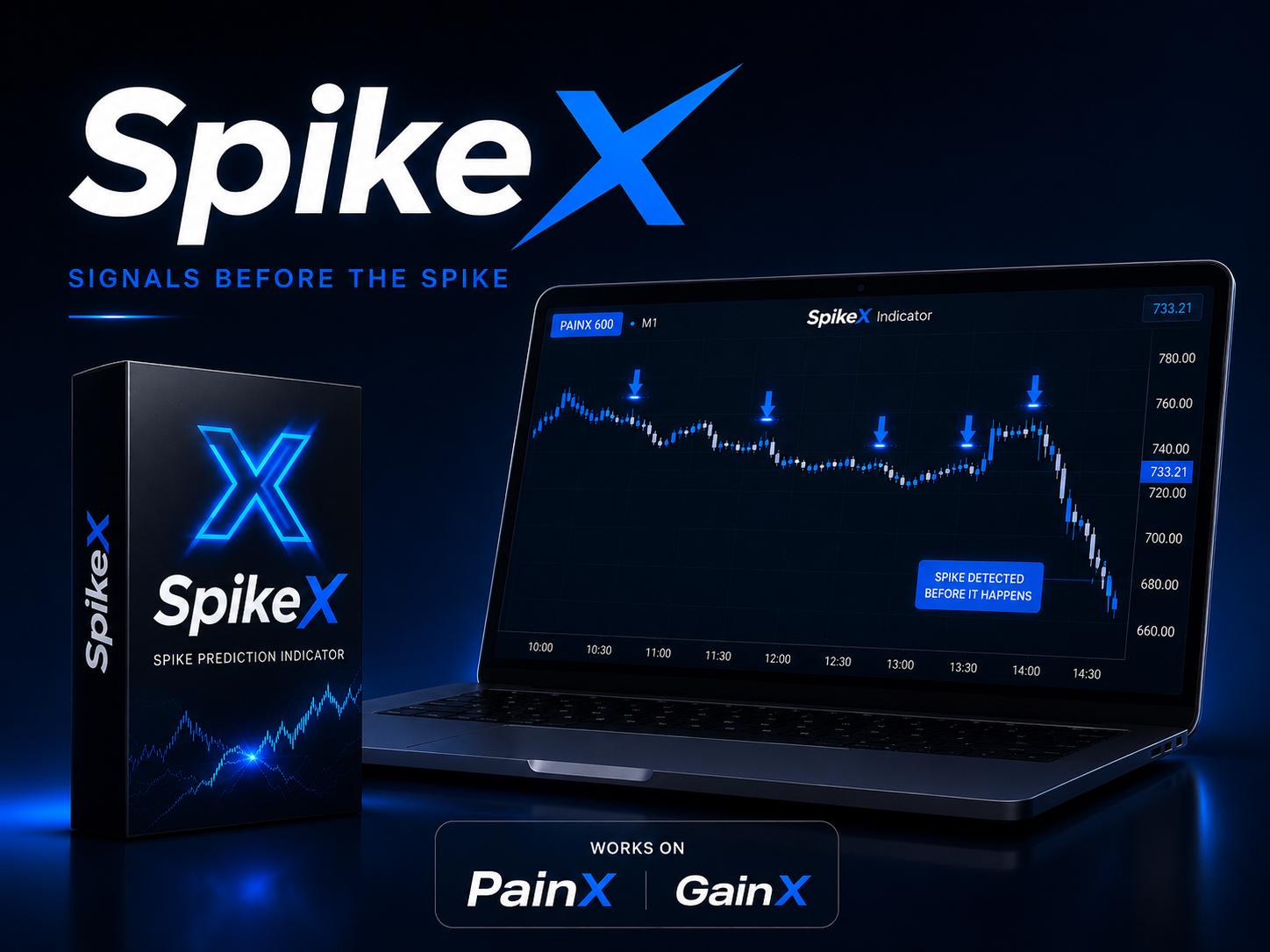
SpikeX spike prediction indicator marking PainX 600 spikes on an MT5 chart

MT5 Indicator

SpikeX

For traders who want to press the button themselves. SpikeX marks the building setup and the entry point straight on the chart, so manual spike trading stops being a guess.

  • On-chart spike markers. Clear visual markers where a spike is forming, not a lagging arrow after the move.
  • Pairs with the EA. Runs alongside Spike Dash Pro so you can see exactly why the robot took a trade.
  • Free lifetime updates. Every revision lands in your portal downloads automatically.
Platform
MetaTrader 5
Markets
Weltrade SyntX (GainX / PainX)
Timeframes
M1 – H1
Included
Indicator file + template + guide
Price for members
Free

How to get them free

  1. Step 1. Create your free member profile.
  2. Step 2. Open a Weltrade SyntX account under partner code CX41062.
  3. Step 3. Verify your Client ID once in the portal.
  4. Step 4. Download the tools the moment they launch — updates included.

Already verified? Open the client portal